Apple Intelligence
Generate privately on a compatible Mac. Repository content stays on the device, and generation can work offline.
OpenAI
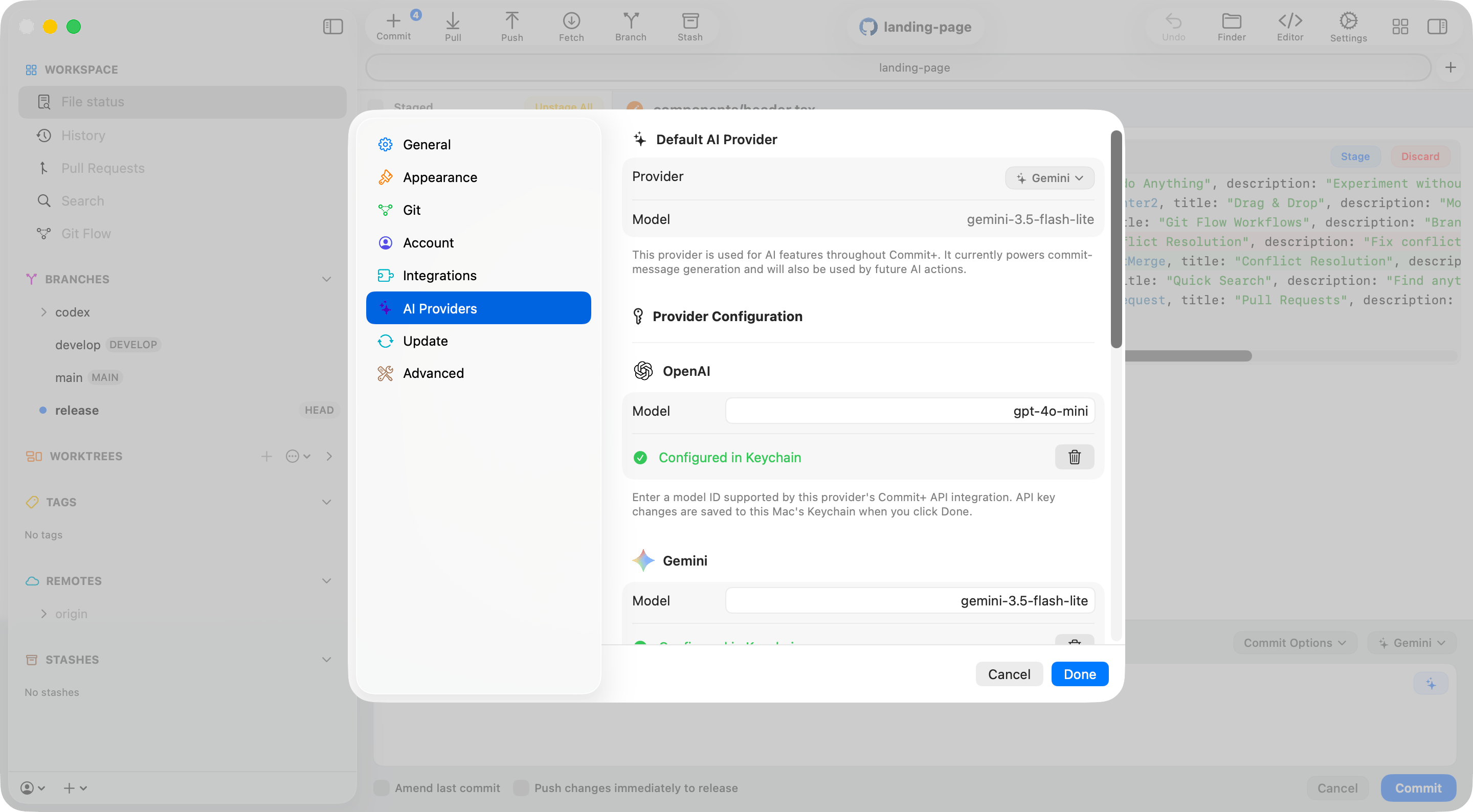
Generate with GPT-4o mini using an OpenAI API key stored in your Mac’s Keychain.
Claude
Generate with Claude Haiku 4.5 using an Anthropic API key stored in your Mac’s Keychain.
Gemini
Generate with Gemini 3.5 Flash-Lite using a Google AI API key stored in your Mac’s Keychain.
DeepSeek
Use DeepSeek V4 Flash with a DeepSeek API key stored in your Mac’s Keychain.
OpenRouter
Use OpenRouter’s Auto Router, or configure another OpenRouter model, with an API key stored in your Mac’s Keychain.
Generate a commit message
- Open the commit bar and choose a provider from the provider menu.
- Click the Generate commit message button.
- Review and edit the generated message before committing.
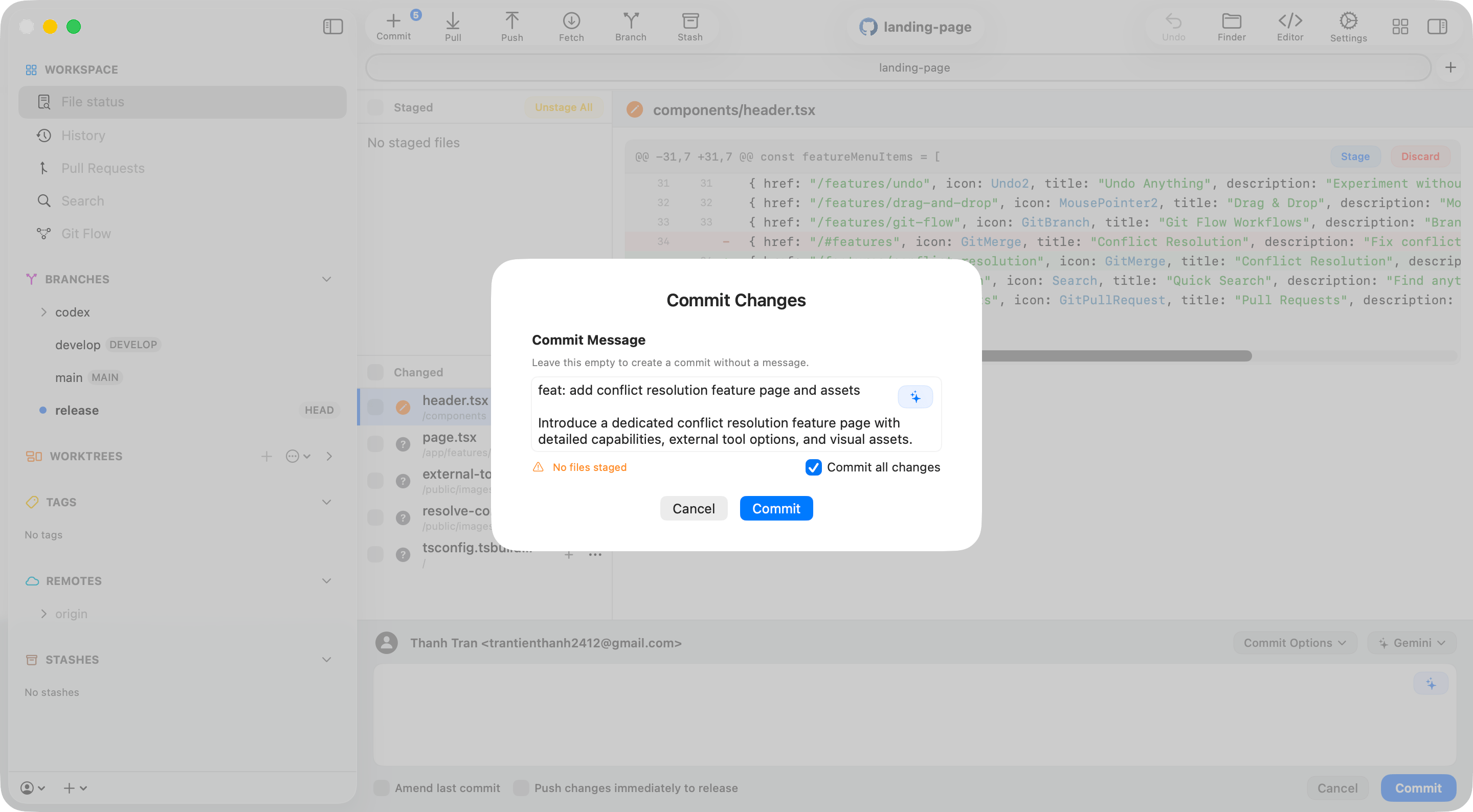
feat:, fix:, refactor:, or docs:. Commit+ uses the current branch, changed-file metadata, a bounded patch, and recent commit subjects to make the wording specific and consistent with the repository. If files change while generation is in progress, the stale result is rejected instead of replacing the editor contents.
Review changes and explain commits
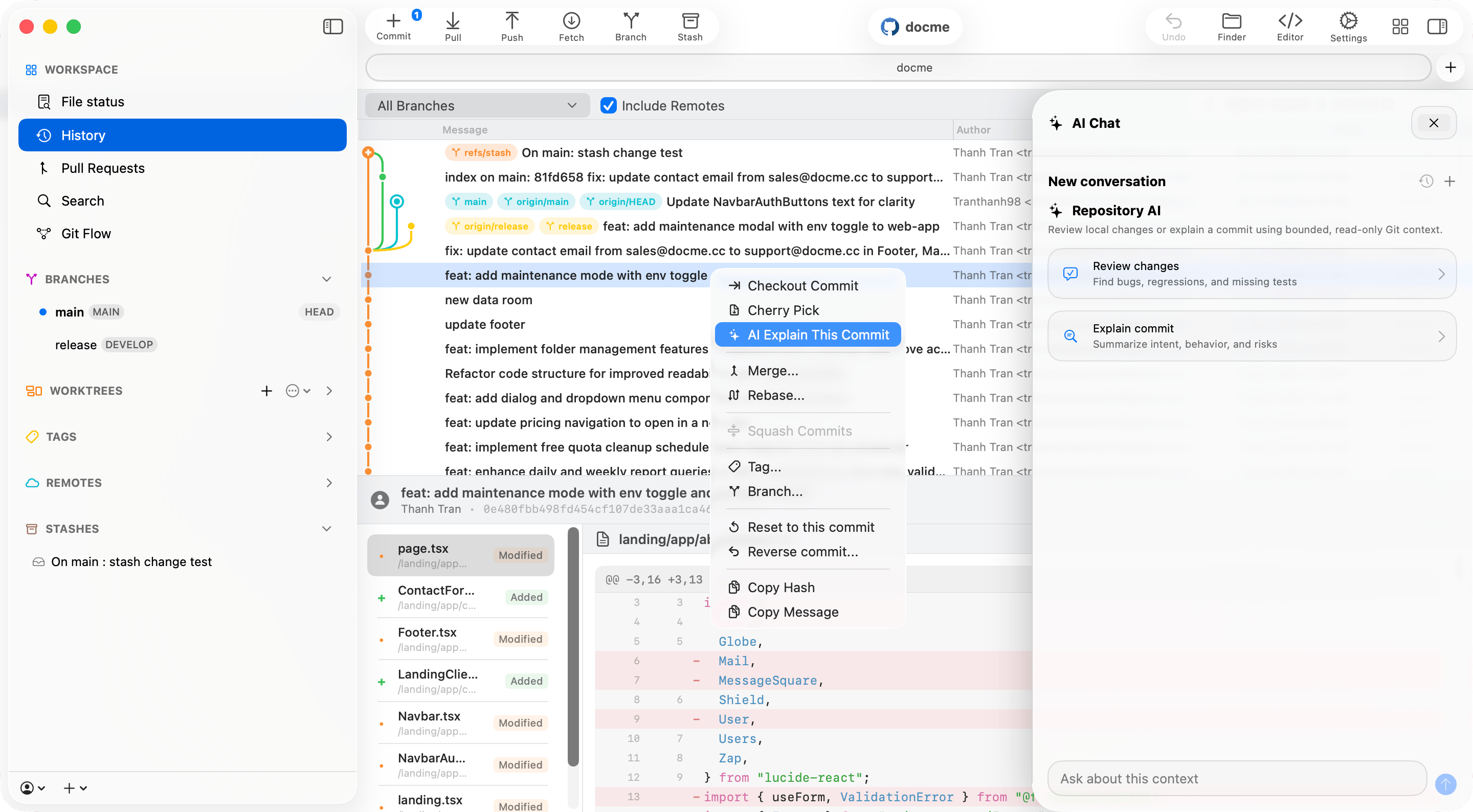
Open Repository AI Chat from the repository toolbar. The panel provides two focused starting points:- Review changes asks the selected provider to inspect current working-tree changes for concrete bugs, regressions, security issues, and missing tests.
- Explain commit lets you choose one of the ten most recent commits or enter a commit hash, branch, tag, or
HEADreference. The response summarizes intent, behavior, and review risks.
Resolve conflicts with AI
Open the conflict workspace and click Resolve all conflicts with AI . Commit+ sends each supported text conflict to the selected provider, validates the returned plan, writes the resolved result, runs Git’s whitespace checks, and stages the file. If the available repository context does not support a safe choice, Commit+ pauses and asks for the decisions it could not determine. Select an answer for every question, then click Apply Answers. You can dismiss the questions and continue resolving manually at any time. AI conflict resolution supports UTF-8 text files containing Git conflict markers. Binary files, other encodings, oversized contexts, or files that change while the request is running remain available for manual resolution. Commit+ also rejects plans that leave conflict markers or do not resolve every conflict block.Configure a cloud provider
Open Settings → AI Providers, choose OpenAI, Gemini, Claude, DeepSeek, or OpenRouter, enter the provider API key, then click Done. Return to the repository and select the configured provider.