
git-flow installation. Configure the workflow once for a repository, then start, track, and finish each topic branch from the app.
One dashboard for every flow
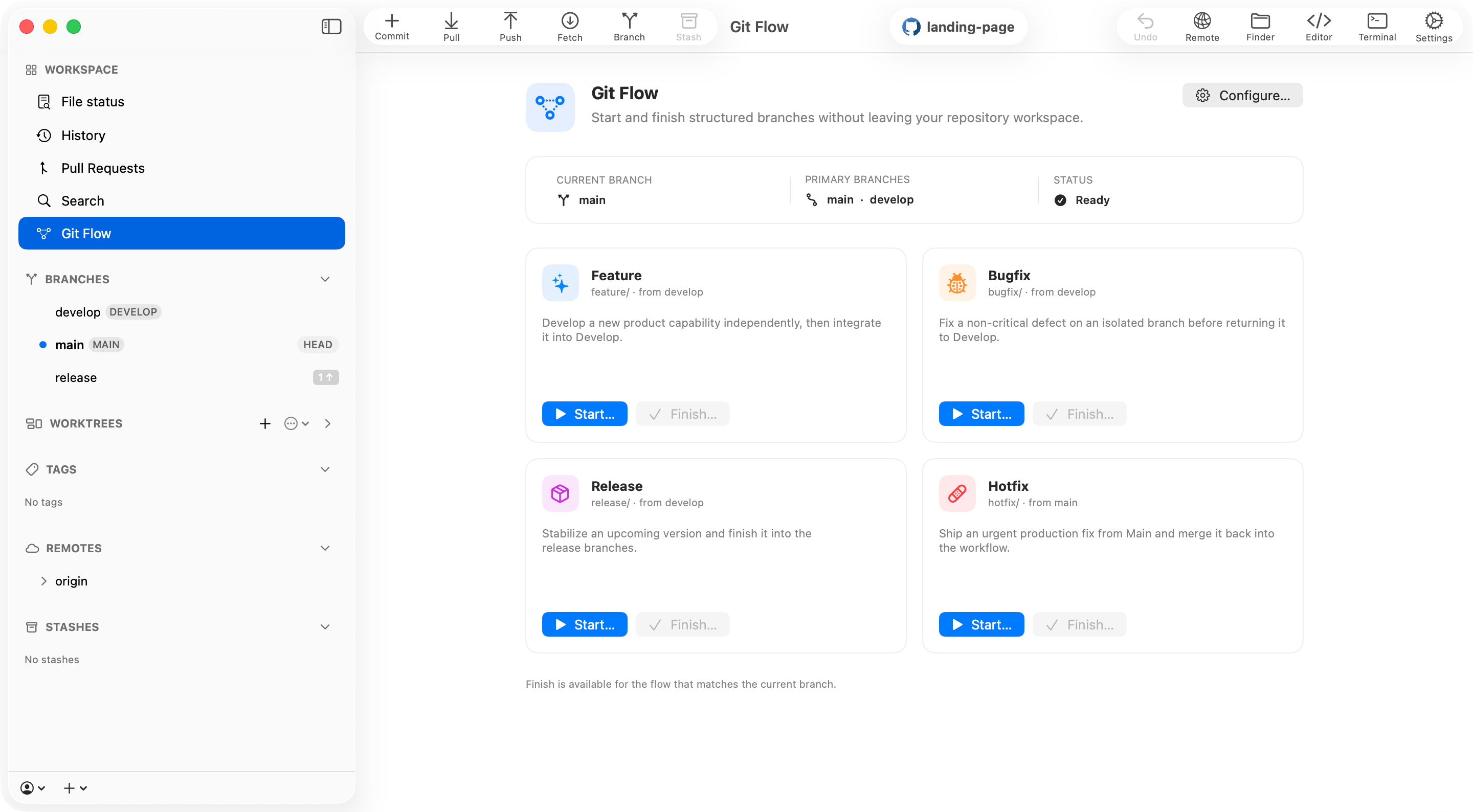
Open Git Flow from the Workspace section to see the current branch, the configured Main and Develop branches, and the repository’s workflow status. Each card exposes the action that is valid for the current state:- Feature — starts from Develop and finishes back into Develop.
- Bugfix — starts from Develop and finishes back into Develop.
- Release — starts from Develop, then finishes into Main and Develop.
- Hotfix — starts from Main, then finishes into Main and Develop.
Start where the work belongs
Enter a topic name and Commit+ applies the configured prefix, validates the final branch name, and shows its starting point before creating anything. For every new flow, choose between:- Current working copy — create and check out the branch in the current repository window.
- Worktree — create the branch in a new linked worktree, optionally label it, and open it in another Commit+ window without disturbing the current checkout.
Finish with an explicit plan
Before changing branches or refs, the Finish sheet previews the targets, strategy, optional tag, and local branch cleanup.- Feature and Bugfix can finish with a
--no-ffmerge or by rebasing onto Develop and fast-forwarding Develop. - Release and Hotfix merge into Main first, optionally create an annotated tag on that merge, then merge back into Develop.
- The source branch is deleted only when requested and only after every required step succeeds.
- Git Flow actions operate locally. Commit+ never automatically pushes branches, deletes remote refs, or force-pushes rewritten history.
Configure per repository
Open Repository Settings → Git Flow to enable the workflow and choose the branches and defaults that match the repository.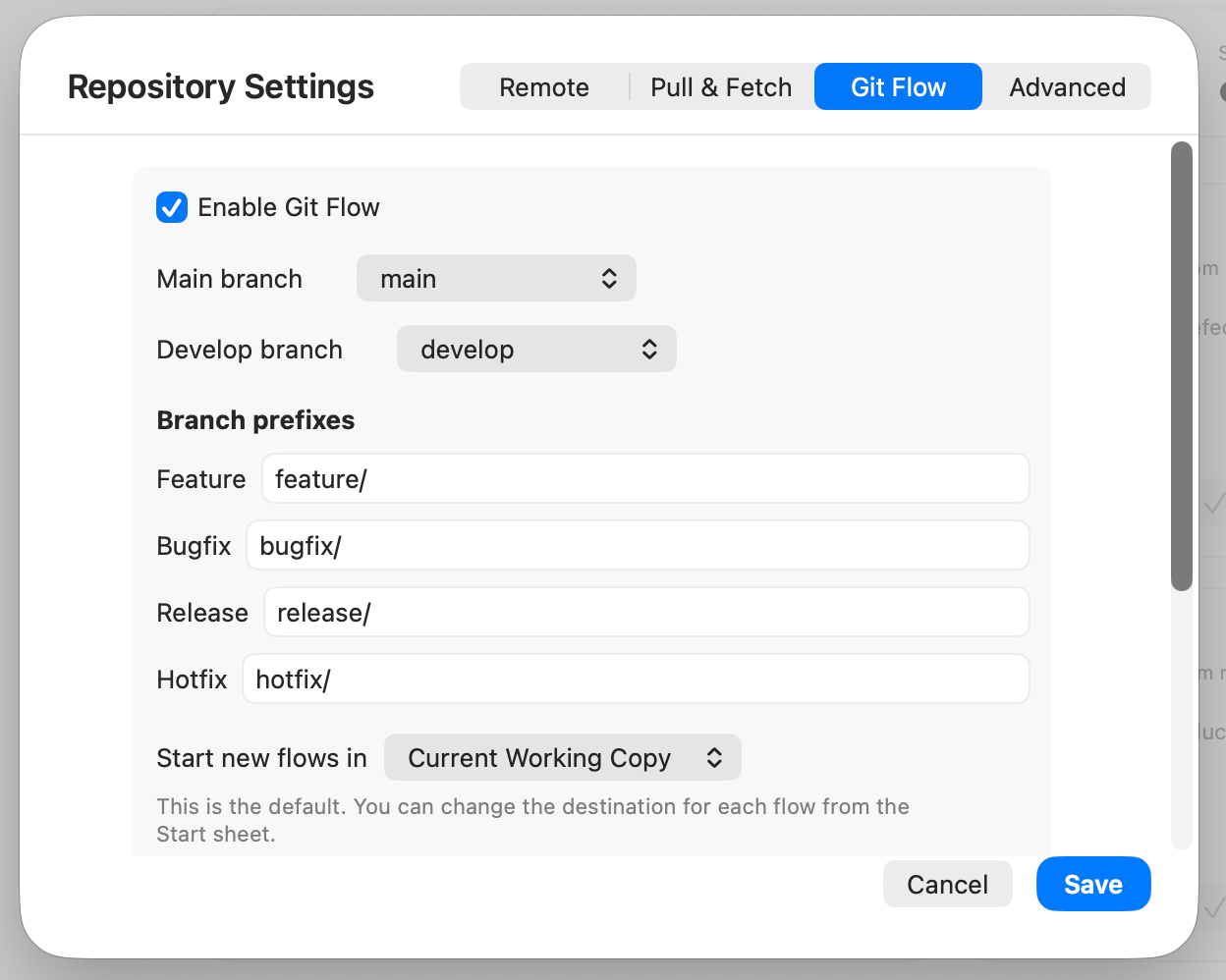
- Main and Develop branches.
- Feature, Bugfix, Release, and Hotfix prefixes.
- The default Start destination: current working copy or a new worktree.
- Merge or Rebase as the default finish strategy for Feature and Bugfix.
- Whether Release and Hotfix finishes create annotated tags.
Quick access from the menu bar
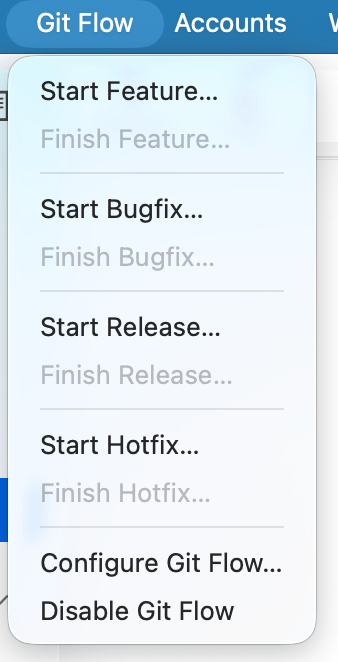
The Git Flow menu mirrors the available Start and Finish actions, so you can run the current workflow without switching away from the view you are using.